

Carry The Clubhouse across iPhone and Android without splitting accounts
Our mobile experience keeps the same account, AUD balance, welcome stages, loyalty progress, cashier and support history that you see on desktop. Open the site in a current browser, sign in and save a home-screen shortcut. One tap then takes you directly back to the mobile lobby.
Put a Clubhouse icon on an Android home screen
- Open the site in Chrome.
- Sign in through the secure account page.
- Open the browser menu.
- Select Add to Home screen or Install app when shown.
- Confirm the icon name and placement.
The shortcut launches the mobile web interface in its own window on supported devices. Keep Chrome updated and remove old shortcuts if the saved route stops opening the current login screen.
Safari turns the iPhone site into a direct launch point
- Open the site in Safari.
- Tap the Share control.
- Choose Add to Home Screen.
- Confirm the Clubhouse name and icon.
- Launch it and sign in with the same account credentials.
Face ID, Touch ID and device passcodes protect the handset, but they do not replace the account password. Never save login details on a shared phone.
Mobile access keeps the full account toolkit together
| Mobile feature | What you can do |
|---|---|
| Pokies lobby | Search, filter, favourite and reopen games |
| Live casino | Open roulette, blackjack, baccarat and game-show tables |
| Promotions | Activate welcome stages and check expiry |
| My Clubhouse | Track Club Points, tier rewards and cashback |
| Cashier | Deposit, request withdrawals and review transactions |
| Verification | Upload clear identity and address documents |
| Support | Open live chat or use email help |
| Safer play | Adjust available limits and request a break |
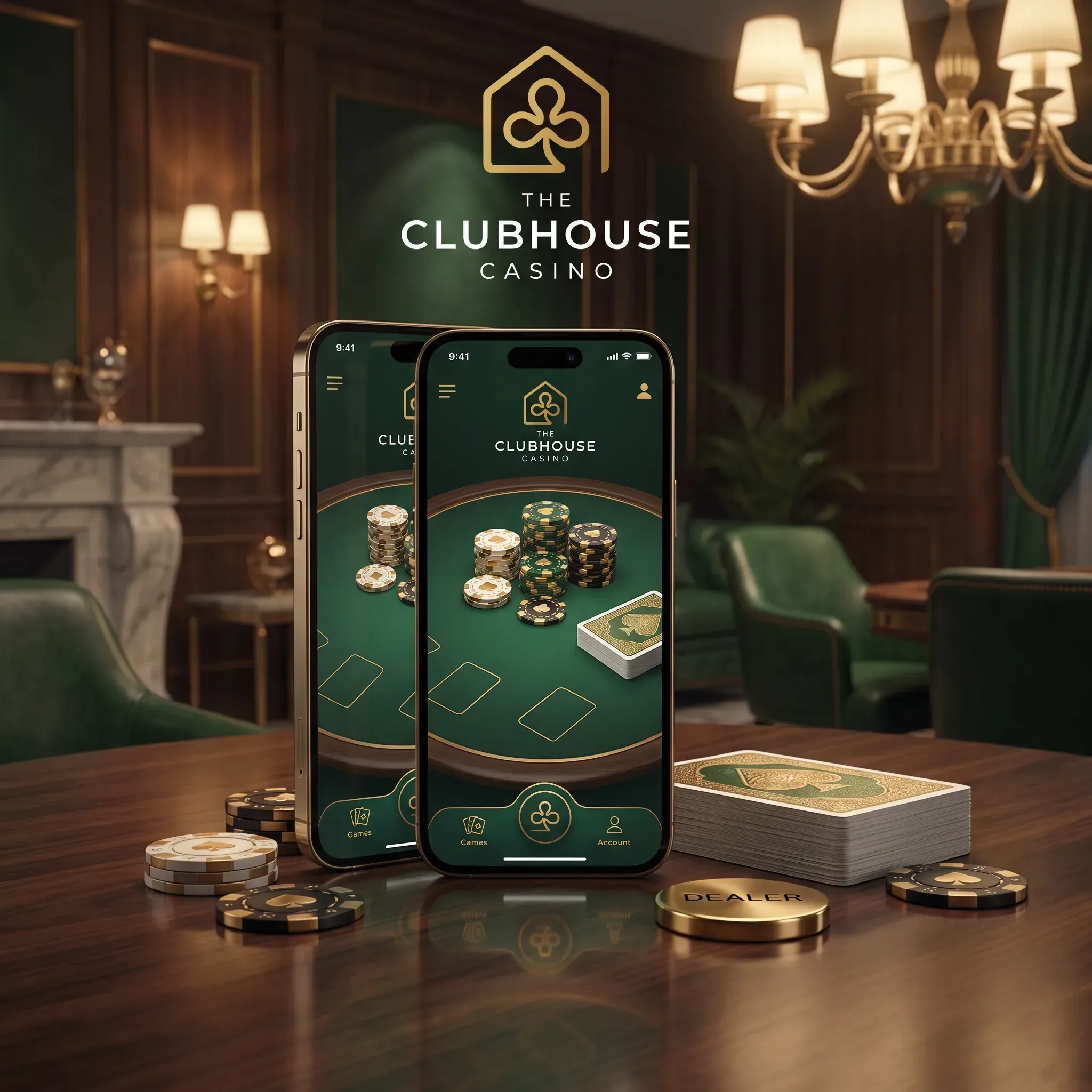 Play on Mobile
The lobby exceeds 10,000 titles. Mobile players can open Diamonds Power: Hold & Win for welcome spins, Treasures of Cleopatra for loyalty spins, Elvis Frog TRUEWAYS by BGaming, Oracle of Gold by Pragmatic Play, Ultimate Golden Dragon Inferno by Betsoft and Aviator by Spribe. Touch controls, portrait menus and game search reduce the effort of navigating a large catalogue.
Mobile deposits remain in AUD
Your account currency does not change when you move from desktop to a phone. Card, e-wallet and cryptocurrency routes appear through the same cashier. The standard welcome deposit starts at A$30. For crypto, check the asset and network before sending: BTC, BCH, ETH, LTC, DOGE and USDT are supported through Coinspaid.
Do not leave the payment screen until the transaction confirms or returns a clear status. If the browser refreshes, check transaction history before attempting another payment.
Four settings improve speed and account security
- Use a current Safari or Chrome release.
- Allow cookies required for account sessions, then reject optional tracking according to your preference.
- Keep enough storage for browser data and game assets.
- Enable two-factor authentication when offered and protect the phone with biometrics or a strong passcode.
Public Wi-Fi adds avoidable risk around login and payments. Use a trusted network, verify the address bar and sign out before handing the device to another person.
When a game or payment screen needs attention
Close other browser tabs, reconnect to a stable network and reload the lobby from the account menu. Clear only the site data if a persistent cached session causes a loop; a full browser reset can remove saved preferences from unrelated sites.
If a payment status remains pending, use the transaction reference in live chat. For a verification upload, use the phone camera in good light, keep all document edges visible and avoid glare over names or numbers.
FAQ
Can I use The Clubhouse on both iPhone and Android?
Yes. The mobile site works through current Safari and Chrome browsers and uses the same account as desktop.
How do I add The Clubhouse to my home screen?
Use Add to Home Screen in Safari or Chrome's Add to Home screen or Install app control.
Does mobile play use a separate balance?
No. Your AUD balance, bonus funds, Club Points and transaction history remain attached to the same account.
Can I claim the A$5,000 package on mobile?
Yes. Open Promotions before depositing, select the relevant stage and fund at least A$30.
Which mobile pokies can I play?
Named titles include Diamonds Power: Hold & Win, Elvis Frog TRUEWAYS, Treasures of Cleopatra, Oracle of Gold and Ultimate Golden Dragon Inferno.
Can I make a crypto deposit from my phone?
Yes. The cashier supports BTC, BCH, ETH, LTC, DOGE and USDT. Confirm the coin, network and address before sending.
How do I contact support from mobile?
Open live chat from the account menu or email [email protected].
Which limits can I manage on a phone?
Account controls include deposit, loss and wager limits, plus cooling-off and self-exclusion requests.
Short mobile access can still turn into a long session. Set a time and spending limit before opening a game, use reality checks and step away when play no longer feels recreational.